
Open source · GitHub
7 public projects: desktop apps, AI agent tools, browser automation, a self-hosted price tracker and a learning platform with 266 runnable C++ algorithms. Each one has a scroll-driven walkthrough and a live demo.
Selected work
Seven projects, one direction
Scroll to travel through everything I've shipped publicly — each one has its own page, a scroll-driven story and a live demo.
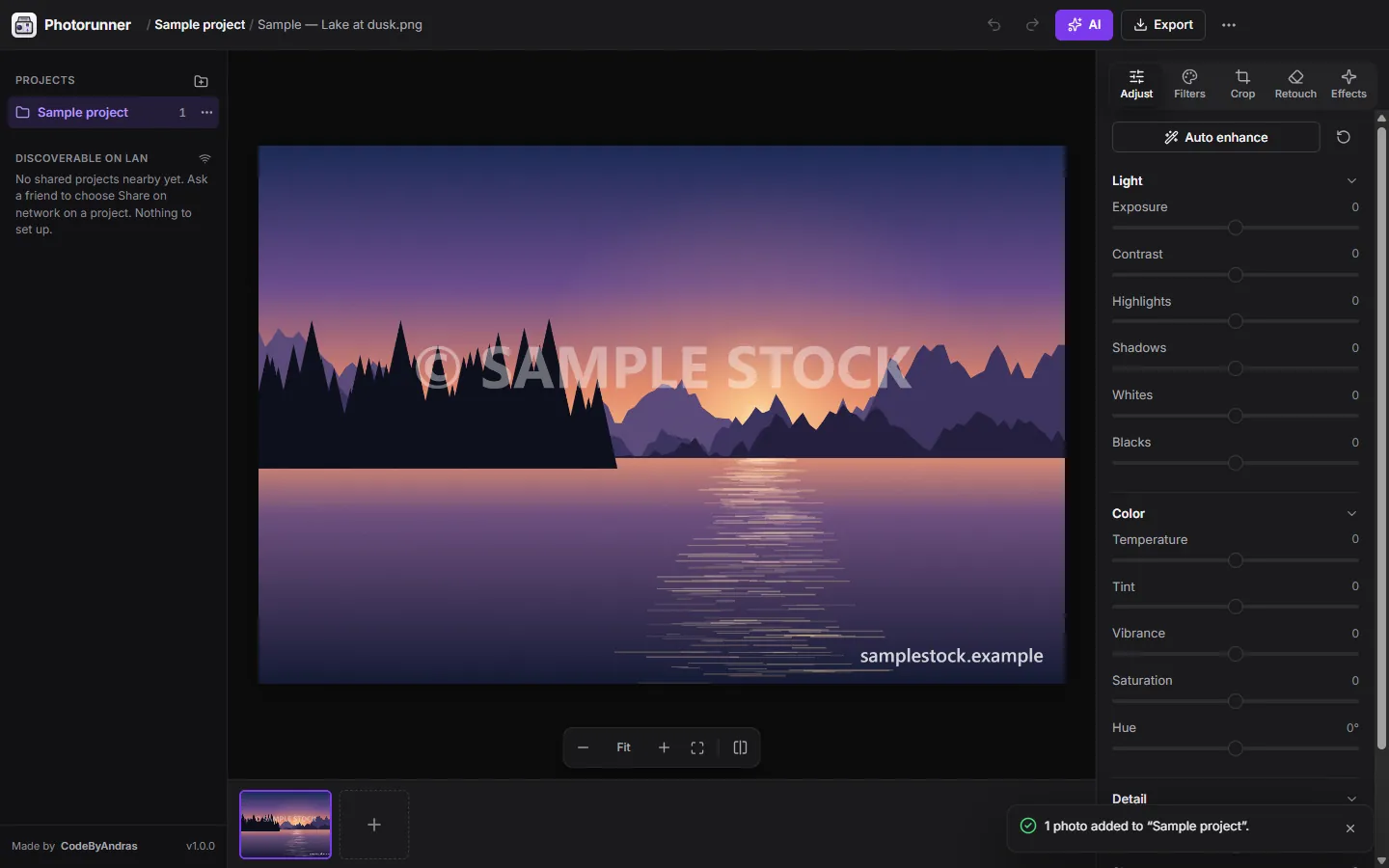

Photorunner
The photo editor that grows with you.
Explore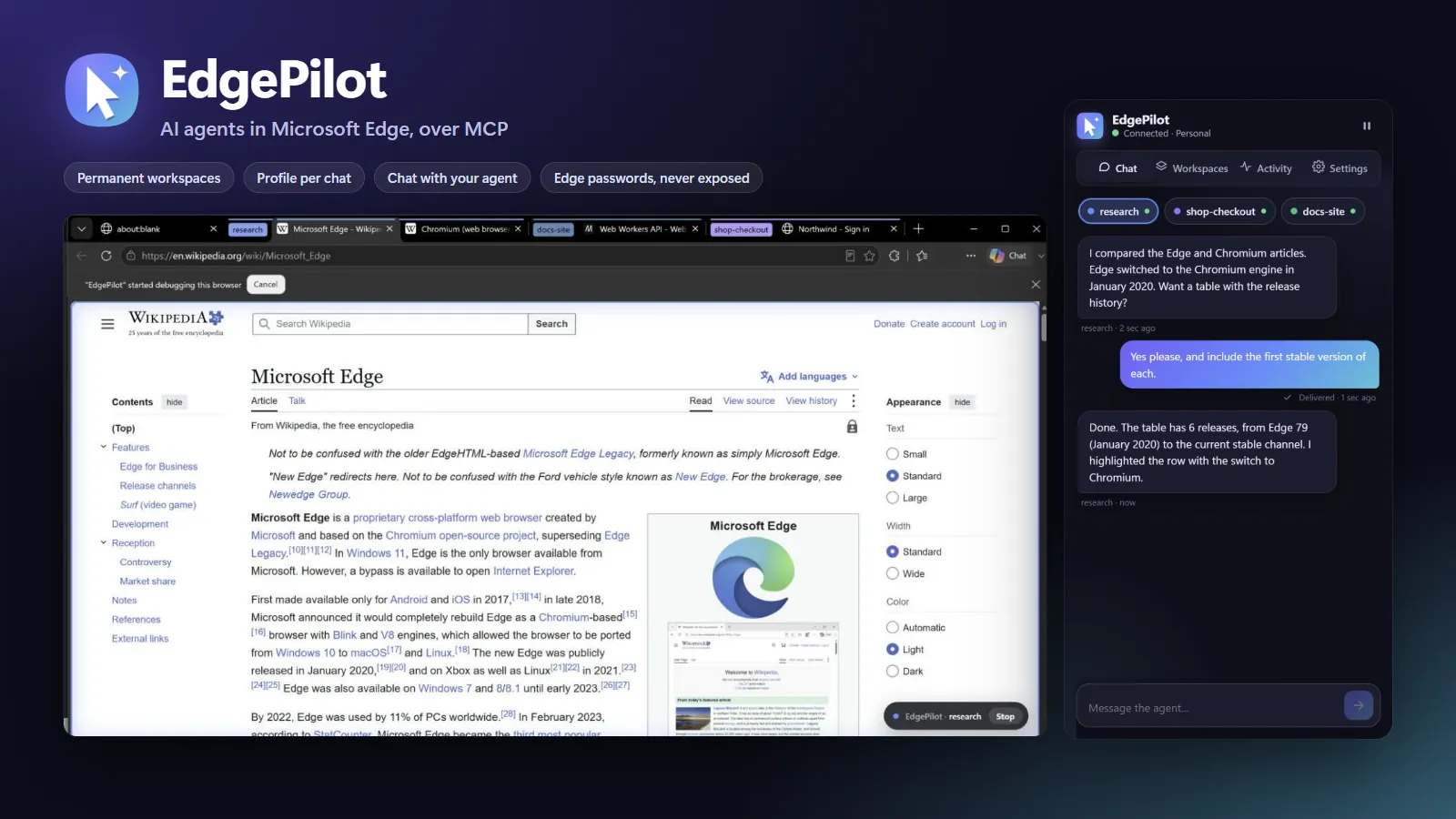

EdgePilot
Let AI agents drive Microsoft Edge — safely.
Explore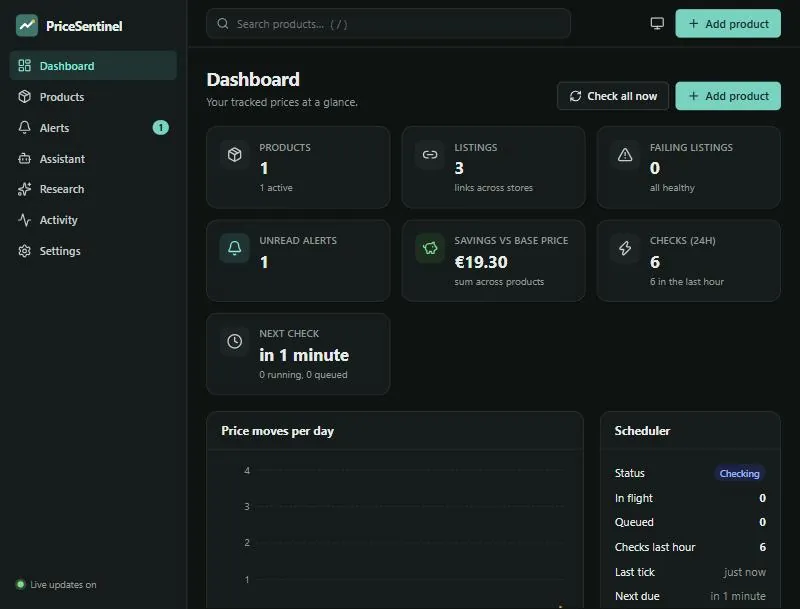

PriceSentinel
Finds the cheapest store, in real time, and tells you.
Explore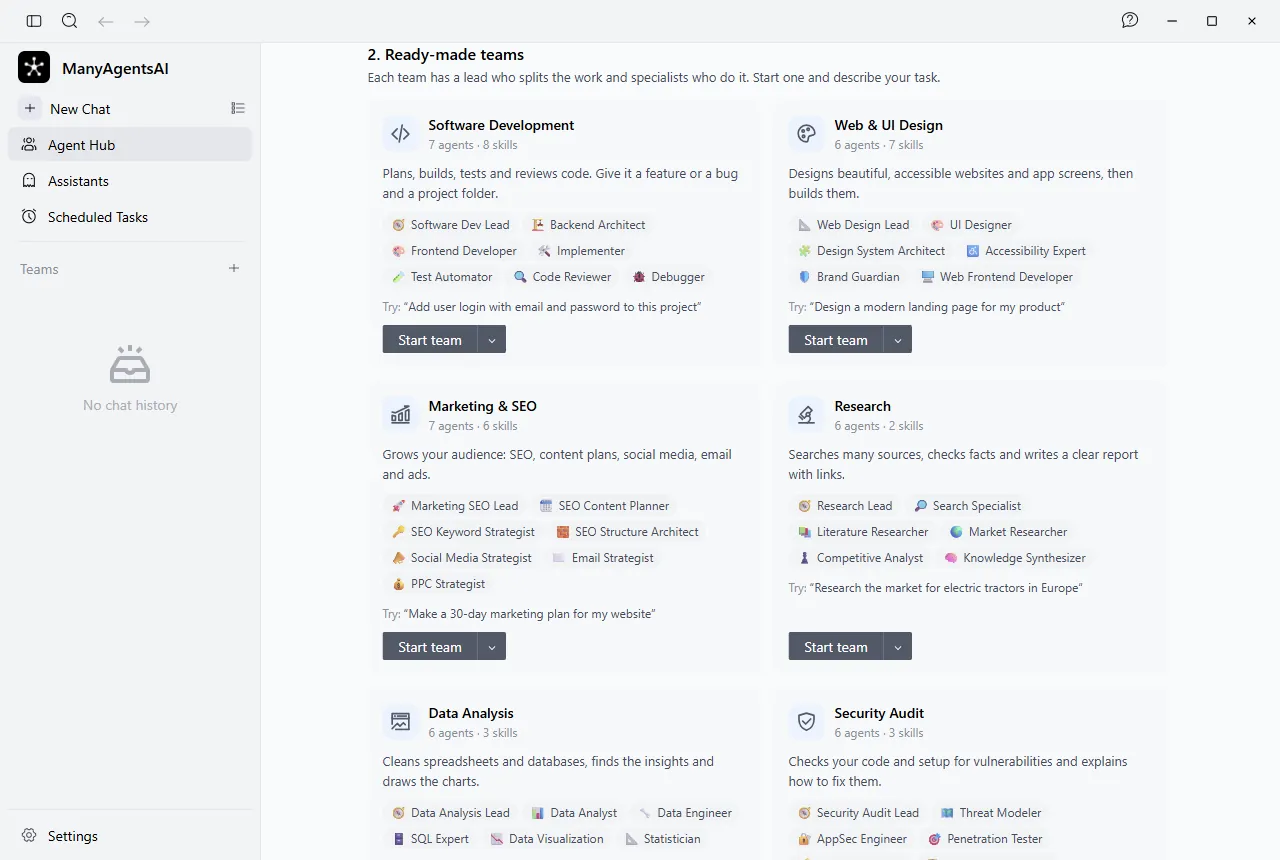

ManyAgentsAI
A whole AI team, not a single chatbot.
Explore- Groq200
- Cerebras200
- Gemini429
- Mistral200
- OpenRouter200
- NVIDIA200

MocaLLM
Free LLMs, one endpoint, a whole team of agents.
Explore- Test 1Accepted
- Test 2Accepted
- Test 3Accepted
- Test 4Time limit
- Test 5Accepted
Score 80 / 100

CodePrepper
High-school computer science in one app.
Exploren = 221 √n ≈ 14.9
- 39
- 525
- 749
- 981
- 11121
- 13169
221 = 13 · 17 → NO

Elementary Algorithms in C++
266 high-school algorithms, explained, verified — and now online.
ExploreStack map
The tools behind the work
Hover or tap a technology to see which projects use it — or a project to see what it's made of.
Projects
Public projects, ready to use
All of them are on GitHub with code, docs and downloadable releases. Each has its own page with an interactive story and demo.
7 projects shown
- Test 1Accepted
- Test 2Accepted
- Test 3Accepted
- Test 4Time limit
- Test 5Accepted
Score 80 / 100
CodePrepper
High-school computer science
Lessons, step-by-step algorithm animations, multiple-choice tests and C++ problems with automatic grading for grades 9–12, the baccalaureate and olympiads.
See the projectn = 221 √n ≈ 14.9
- 39
- 525
- 749
- 981
- 11121
- 13169
221 = 13 · 17 → NO
Elementary Algorithms in C++
Algorithm collection & learning platform
The complete collection of high-school algorithms in C++, organised by curriculum — now with an online platform where you can read, run and track every program with a free account.
See the projectNew · Learning platform
266 algorithms. Run them all.
My complete collection of high-school C++ algorithms is now a learning platform: read the idea, run the code on a real compiler, verify it against the examples and keep your progress in a free account.
- Instant searchFind any of 266 programs by name, idea or complexity — in English or Romanian.
- Run real C++Compile with g++ (C++17) and check the output against each example.
- Track progressLearning, learned, favourites, notes and a daily streak.
- Free accountYour progress follows you. Export or delete it anytime.
1long long n, s = 0;2cin >> n;3while (n > 0) {4 s = s + n % 10;5 n = n / 10;6}7cout << s;908118Services
What I can build for you
I work the whole way: product, code, design, security and release. Every service is backed by a real project you can open and try.
Service 1 of 7
Desktop apps
Apps for Windows, macOS and Linux with one-click installers and automatic updates.
I build the app, the installer for every system and the update pipeline, so your users always run the latest version without lifting a finger.
What you get
- Installers for Windows, macOS and Linux
- Background auto-updates
- Data that stays on the user's machine
- Keys and passwords in the OS keychain
How I work
From idea to launch, in four steps
Every step ends with something you can see and try. No months of silence followed by a surprise.
Step 1
We talk
You tell me what you want to solve. Together we decide what goes into the first version and what can wait.
Step 2
Prototype
You quickly get a first working version you can try, click through and comment on.
Step 3
Build & test
I finish the features, write tests and run a security review before anything ships.
Step 4
Launch & maintain
I publish the app, set up automatic updates and stay close for whatever comes next.
Your data stays yours
No needless accounts, no tracking. Whatever can run locally, runs locally.
Security before launch
My projects go through an audit before they reach real people.
Runs everywhere
Windows, macOS, Linux and the browser, from a single codebase.
Plain language
Interfaces and docs in English and Romanian, written for people, not specialists.
Brief generator
Tell me what's on your mind
Five short steps and you have a clear project summary, ready to send. The draft is saved in your browser and goes nowhere.
FAQ
What people ask me
Desktop apps for Windows, macOS and Linux, websites and web apps, AI integrations (assistants, agent teams, multi-provider routing), browser automation and learning platforms. Each public project on this site shows one of these directions.
Contact
Got a project in mind?
Let's talk.
Tell me briefly what you want to build. I'll reply with a concrete proposal: what goes into the first version, how long it takes and what the steps look like.